Imagine a compact rover that zigs around obstacles, follows a line, and greets you with a beep—all built in your garage. This isn’t a sci‑fi fantasy; it’s a hands‑on project you can start today with an Arduino, a few sensors, and a 3D‑printed chassis.
What You’ll Need
Gather these core components: an Arduino Uno, two DC drive motors with wheels, an L298N motor driver, an ultrasonic distance sensor, a line‑tracking module, a 9 V battery pack, jumper wires, and a 3D‑printed frame (download the STL from the link below). Optional upgrades include a Bluetooth module for remote control and a small camera for vision‑based tasks.
ℹ️
NoteAll parts are available on popular hobby sites; the total cost stays under $80 for a functional prototype.
Step 1 – Print the Chassis
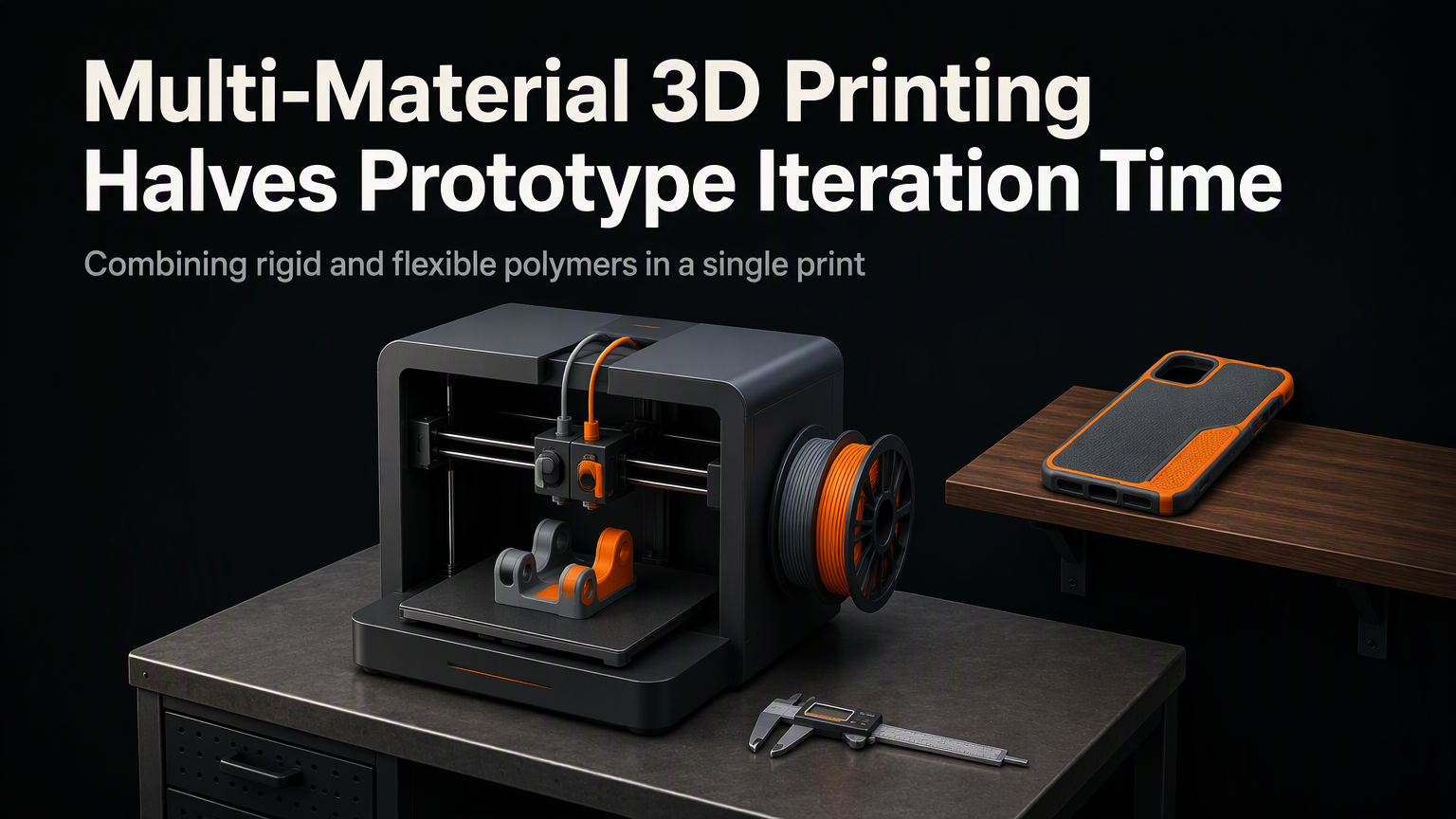
Load the provided STL into your slicer, set 0.2 mm layer height, 20 % infill, and print with PLA. The design includes motor mounts, a sensor housing, and cable channels, so you’ll spend less time on wiring later.
Step 2 – Assemble the Hardware
Secure the motors to the printed brackets, attach the wheels, and mount the motor driver on the top deck. Plug the ultrasonic sensor into the front slot and the line‑tracker underneath the chassis. Route all wires through the built‑in channels to keep the robot tidy.
Step 3 – Wire the Electronics
The sketch above gives the robot three core behaviors: move forward, avoid obstacles, and follow a dark line. Upload it via the Arduino IDE, then power the board with the battery pack.
Step 4 – Test and Tweak
Place the robot on a test track with a printed line and a few cardboard blocks as obstacles. Observe how it reacts. If it bumps into walls, increase the distance threshold; if it drifts off the line, raise the line sensor sensitivity in the code.
💡
TipUse Serial Monitor to watch live sensor values; this speeds up debugging dramatically.
Step 5 – Expand the Capabilities
Once the baseline works, you can add Bluetooth for smartphone control, swap the ultrasonic sensor for a LiDAR module, or stack a small ESP32 to enable Wi‑Fi telemetry. The open‑source nature of Arduino means you can integrate any library you like.
✦
"The best way to learn robotics is by building, breaking, and rebuilding.
— Anonymous Maker
Ready to bring your own autonomous robot to life? Follow the steps, iterate fast, and share your improvements with the DIY community. Your garage could be the next robotics lab.
ℹ️
NoteDownload the full CAD files and Arduino source code from the project repo and start building today.