Imagine a tiny machine zipping around your garage, dodging obstacles and fetching tools—all without you lifting a finger. Building an autonomous robot may sound like a sci‑fi fantasy, but with today’s affordable kits and open‑source software, it’s a weekend project anyone can tackle.
What You’ll Need
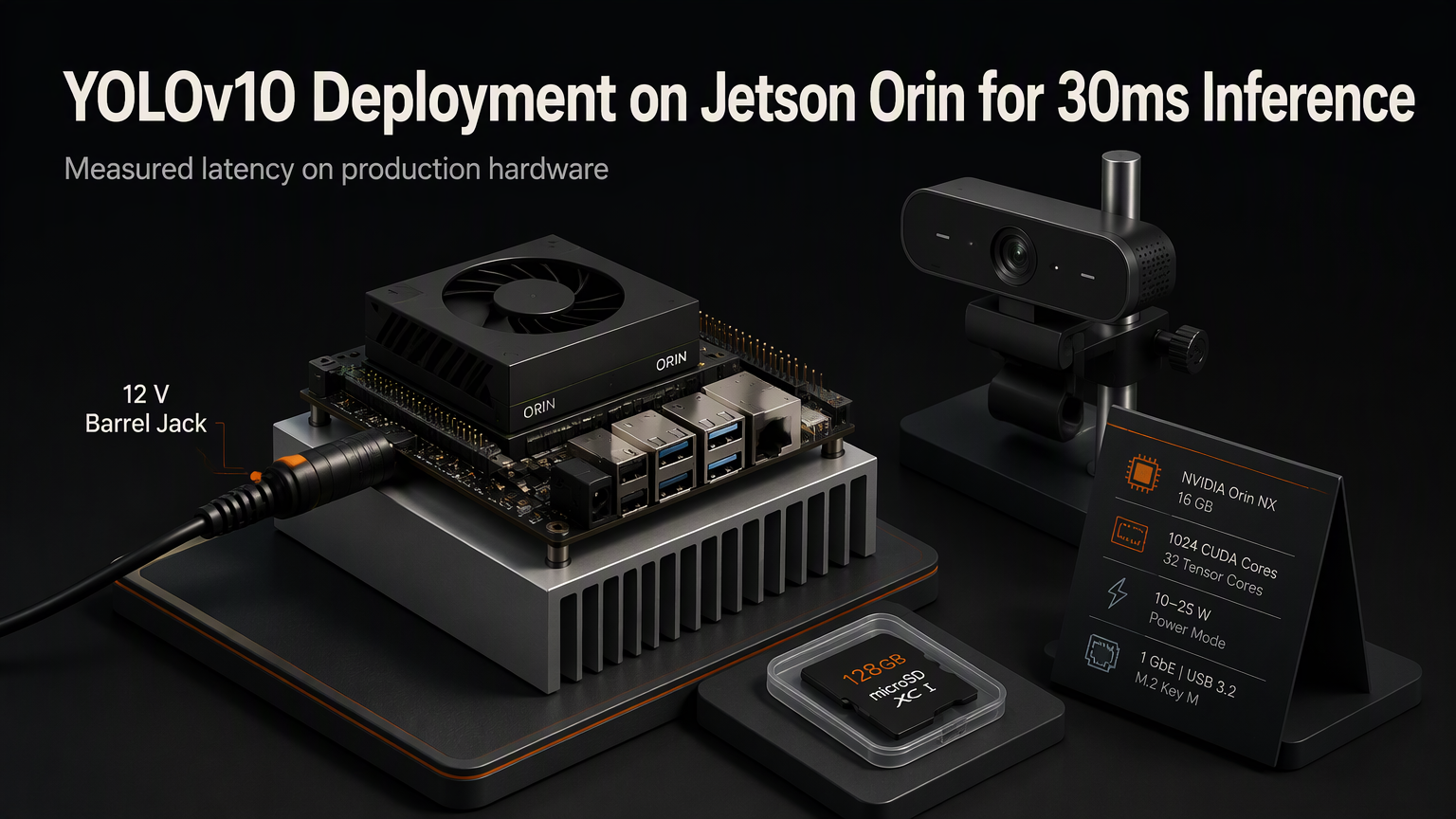
Grab a microcontroller (Arduino Uno or Raspberry Pi Zero), a motor driver board, two DC wheels with encoders, a chassis (you can 3D‑print or repurpose a toy car frame), a distance sensor (HC‑SR04 ultrasonic works fine), a rechargeable battery pack, and a few jumper wires. Optional but helpful: a small LiDAR module and a Wi‑Fi dongle for remote monitoring.
💡
TipBuy a starter kit that bundles the controller, motor driver, and sensors. It saves time hunting for compatible parts.
Step 1: Assemble the Chassis
Secure the wheels to the motor shafts, mount the motors onto the chassis, and attach the battery compartment. Keep the center of gravity low to improve stability on uneven floors.
Step 2: Wire the Electronics
Connect the motor driver’s IN pins to the microcontroller’s PWM outputs, feed the motor power lines from the battery, and route the encoder signals back to digital pins. Hook the ultrasonic sensor’s VCC and GND, then attach its trigger and echo pins to two spare digital pins.
⚠️
WarningDouble‑check polarity before powering up. Reversing the battery can fry the motor driver in seconds.
Step 3: Install the Software Stack
For Arduino users, install the AFMotor and NewPing libraries via the Library Manager. Raspberry Pi builders should flash Raspberry Pi OS, then install ros2 and the rpi_gpio package. Both platforms share the same logic: read sensor data, compute a path, and drive the motors.
Step 4: Add Simple Obstacle Avoidance
The code snippet above makes the robot move forward until an object is within 20 cm, then backs up and rotates right. It’s a basic reactive algorithm, but it demonstrates the core loop: sense → decide → act.
"The best way to learn robotics is to watch your machine fail, then fix the bug.
— Robotics hobbyist community
Step 5: Refine with PID Control
Straight‑line motion suffers from drift. Implement a PID controller that reads encoder counts from both wheels and adjusts motor speeds to keep them synchronized. This yields smoother turns and more predictable paths.
Step 6: Test, Tweak, and Document
Run the robot on a clear surface, note where it hesitates, and adjust sensor thresholds or PID gains accordingly. Keep a simple log file (CSV) on the controller’s SD card; data helps you spot patterns you can’t see in real time.
ℹ️
NoteVersion control your Arduino sketch or ROS package. A Git repo makes it easy to roll back after a wild experiment.
✦
Congratulations—your first autonomous robot is up and running! From here you can experiment with line‑following, SLAM mapping, or even voice commands. The only limit is your imagination.
💡
TipStart a blog or YouTube series documenting each upgrade. Sharing your journey reinforces learning and inspires others.