Imagine stepping outside and instantly knowing the exact temperature, humidity, and even barometric pressure without checking your phone—thanks to a DIY Arduino weather station you built with your own hands.
What You’ll Need
This project uses affordable, readily available components: an Arduino Uno, DHT22 temperature‑humidity sensor, BMP280 pressure sensor, a small OLED display, jumper wires, a breadboard, and a 9 V battery with a DC‑DC regulator. If you prefer a sleek finish, a 3D‑printed case adds a professional touch.
ℹ️
NoteAll parts can be sourced from popular electronics retailers or online marketplaces for under $30.
Wiring the Sensors
Start by connecting the DHT22: VCC to 5 V, GND to ground, and the data pin to Arduino pin 2. Add a 10 kΩ pull‑up resistor between VCC and the data line. Next, attach the BMP280 via I²C: SDA to A4, SCL to A5, VCC to 3.3 V, and GND to ground. Finally, wire the OLED (128×64) also over I²C, sharing the same SDA/SCL pins.
"The best part of a DIY weather station is seeing raw data you collected yourself, not a generic app estimate.
— Alex Rivera, Maker Community
Programming the Arduino
Install the DHT, Adafruit BMP280, and SSD1306 libraries via the Arduino Library Manager. The sketch above reads sensor values, formats them, and pushes them to the OLED every two seconds. For a more robust solution, add a real‑time clock (RTC) module to timestamp readings and store them on an SD card.
💡
TipUse the Serial Monitor while testing; it helps spot sensor failures before they affect the display.
Power Management
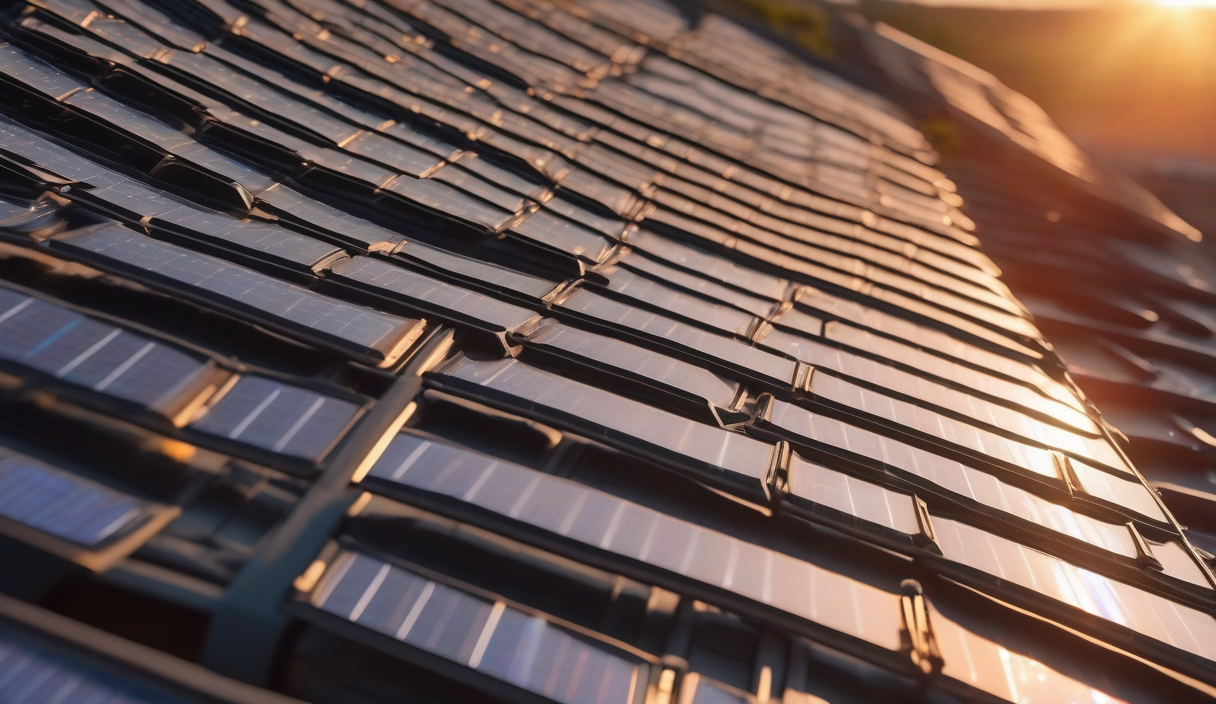
Running the station 24/7 benefits from low‑power techniques. Switch the OLED to sleep mode between updates, and consider a solar panel with a charge controller if you want a fully autonomous outdoor unit.
✦
Next Steps & Integration
Once your station is stable, expand its capabilities: push data to a cloud service like ThingSpeak, integrate with Home Assistant for automated alerts, or add wind speed and rainfall sensors for a complete meteorological suite.
⚠️
WarningWhen placing sensors outdoors, protect them from direct sunlight and moisture—use waterproof enclosures and vented housings to maintain accuracy.
Wrap‑Up
Building a DIY Arduino weather station demystifies sensor interfacing, coding, and power budgeting—all essential skills for any maker. Dive in, iterate, and soon you’ll have a personalized climate hub that powers smarter home automation.
ℹ️
NoteStart today: gather the parts, follow the wiring guide, upload the code, and watch your first real‑time weather readout appear on the screen.