Web development in 2024 isn't about chasing the shiniest framework. It's about shipping reliable, fast, and accessible products that don't crumble under real traffic. The teams winning right now treat performance, security, and accessibility as non-negotiable constraints, not afterthoughts.
Start With a Performance Budget
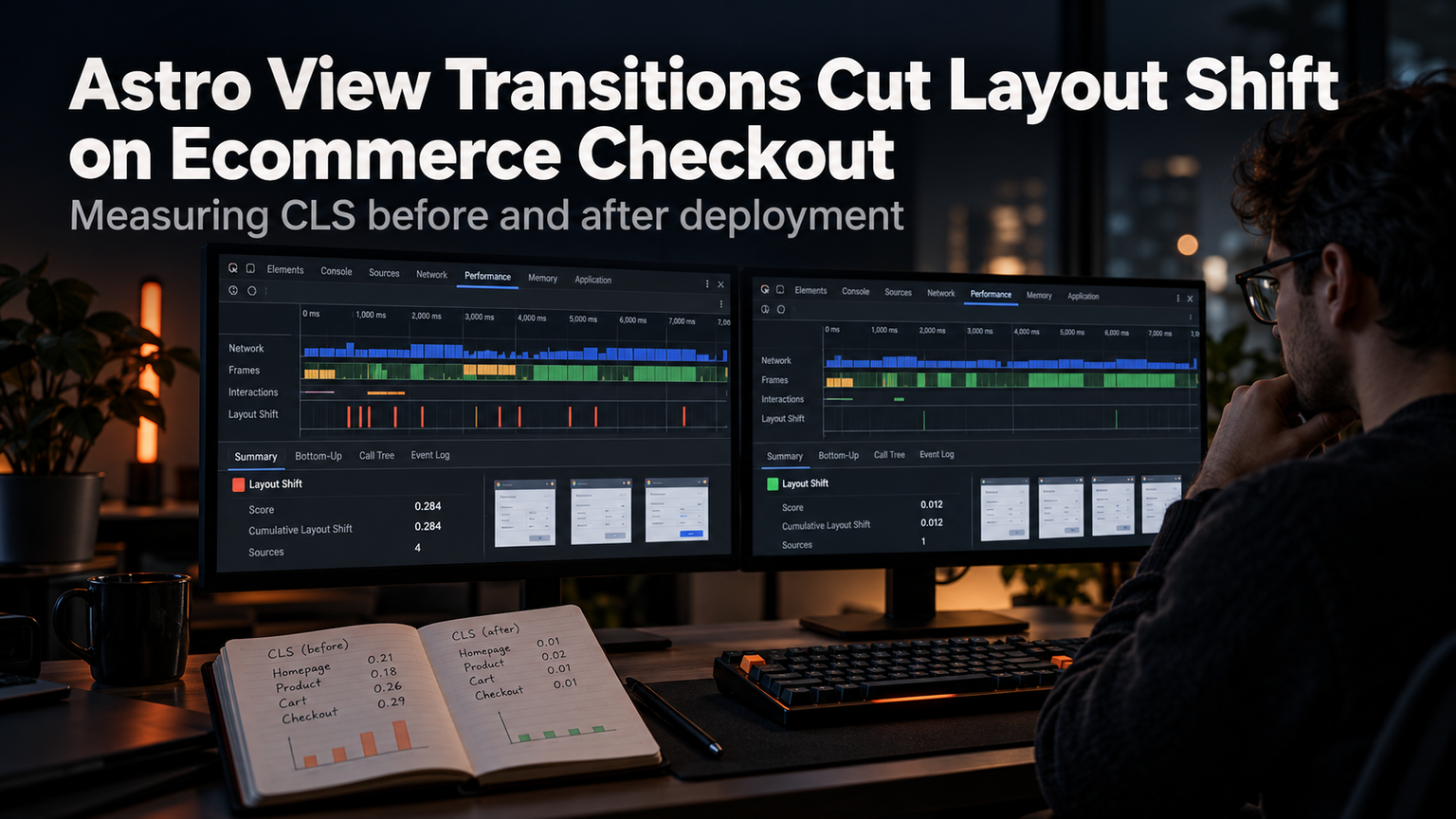
Before writing a single component, define a performance budget tied to Core Web Vitals. Target LCP under 2.5s, INP under 200ms, and CLS near zero. Enforce these in CI so regressions fail the build. Use web-vitals to measure real-user data, not just lab scores. A budget forces hard conversations early: "Do we really need this third-party script?" If it busts the budget, it doesn't ship.
💡
TipSet up a GitHub Action that runs Lighthouse CI on every PR. Fail the build if Performance drops below 90.
TypeScript: Strict Mode or Bust
TypeScript without strict: true is just JavaScript with extra steps. Enable strict mode, noUncheckedIndexedAccess, and exactOptionalPropertyTypes. This catches entire classes of runtime errors at compile time. Pair it with Zod for runtime validation at API boundaries. Your types become your contract; Zod enforces it when data crosses the wire.
Accessibility Is Not a Checklist
WCAG 2.2 AA compliance is the baseline. Test with axe-core in CI, but don't stop there. Navigate your app using only a keyboard. Turn on a screen reader. Fix the focus traps, the missing labels, the color contrast failures. Semantic HTML gets you 80% of the way there—use <button> for actions, <a> for navigation, proper heading hierarchy. ARIA is a last resort, not a first instinct.
"Accessibility is not a feature. It's a quality attribute. If it's not accessible, it's broken.
— Léonie Watson
Security: Shift Left, Automate Everything
Run OWASP Top 10 checks in your pipeline. Dependabot or Renovate for dependency updates. SAST with CodeQL. Secrets scanning with TruffleHog. Container scanning if you deploy Docker. Make security gates blocking—no exceptions for "we'll fix it later." Later never comes.
| Gate | Tool | Frequency |
|---|---|---|
| Dependencies | Dependabot | Daily |
| SAST | CodeQL | Every PR |
| Secrets | TruffleHog | Every Push |
| Container | Trivy | On Build |
CI/CD: Fast Feedback, Zero Touch
Your pipeline should run in under 10 minutes. Parallelize tests. Cache aggressively. Run Playwright e2e tests against a preview deployment on every PR. Auto-deploy preview environments. Merge to main triggers production deploy. Rollback is a single click. If your deploy takes 45 minutes, you won't deploy often. If you don't deploy often, you ship risk in large batches.
⚠️
WarningFlaky tests destroy trust in CI. Quarantine them immediately. Fix or delete. Never ignore.
Framework Choice: Boring Is Good
React + Next.js (App Router) remains the default for good reason: ecosystem, hiring, Vercel integration. Remix if you want web standards alignment. Astro for content-heavy sites. Don't reach for Solid, Qwik, or Svelte unless your team already knows them or you have a specific constraint they solve. Boring technology lets you focus on product problems, not framework quirks.
Observability From Day One
Structured logging (pino), distributed tracing (OpenTelemetry), metrics (Prometheus/Grafana), error tracking (Sentry). Correlate logs, traces, and metrics with a single request ID. When something breaks at 2 AM, you need to answer "what happened?" in seconds, not hours. Instrument your database queries, your external API calls, your auth flows.
✦
ℹ️
NoteThis week: Add Lighthouse CI to one repo. Set a Performance budget of 90. Watch what breaks. Fix the top three offenders. Repeat next sprint.