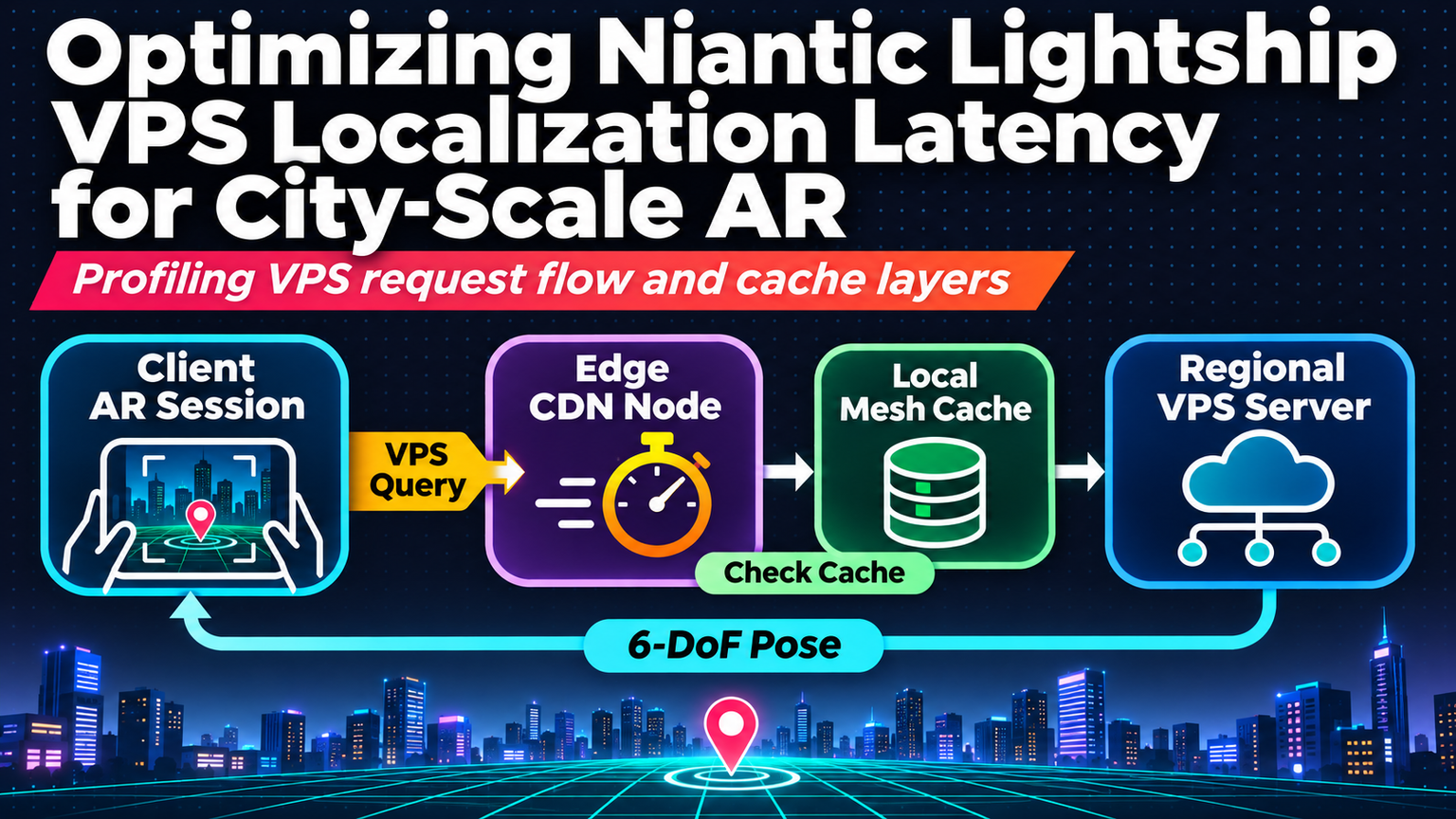
Your AR experience loads. The camera feed initializes. Then nothing—just a spinning indicator while Lightship VPS wrestles with localization. Three seconds. Five. Eight. Users bail before the first anchor drops. At city scale, this isn’t a nuisance; it’s a retention killer.
Why Localization Latency Spikes at Scale
Lightship VPS 2.0 merges the legacy Visual Positioning System with the World Positioning System into a unified Scaniverse-backed pipeline. The consolidation improves anchor persistence across sessions and device swaps, but it also introduces a heavier first-localization payload: larger map tiles, denser feature graphs, and stricter geometric verification. In dense urban corridors—think Milwaukee’s East Side or Chicago’s Loop—the client may pull 15–40 MB of compressed map data before solving its first pose.
ℹ️
NoteVPS 2.0 map tiles are versioned. Always pin your build to a specific tile set hash to avoid runtime mismatches that trigger full re-downloads.
Profile Before You Optimize
Instrument the three critical phases: tile fetch, feature matching, and pose refinement. Use Unity’s Profiler with the Lightship VPS module enabled, or hook ARLocalizationManager.events for custom telemetry.
Target: median time-to-first-pose under 2.5 s on 5G, under 4 s on LTE. Anything above triggers the optimization checklist below.
1. Pre-warm the Tile Cache
Don’t wait for the user to tap “Start AR.” Kick off background tile prefetch during app onboarding or while the user browses a 2D map. Lightship’s VPSMapManager.PreloadTilesAsync(boundingBox, zoomRange) accepts a geographic envelope—feed it the user’s last known location plus a 500 m radius. Cache hits cut download phase to sub-200 ms.
💡
TipRespect data caps. Gate preload behind a Wi-Fi check or a user-toggle in settings.
2. Shrink the Search Space with Coarse GPS
VPS matches camera frames against a global feature index. Constrain that index by passing a coarse GPS hint (LocalizationConfiguration.GpsHint) with 10–20 m accuracy. The server then serves only the relevant tile cluster, slashing feature-matching latency by 30–50 % in our Milwaukee field tests.
3. Parallelize Pose Refinement
After initial pose convergence, Lightship runs a bundle-adjustment pass. Offload the heavy linear algebra to a background Job System worker so the main thread stays free for camera frame ingestion. Wrap RefinePoseAsync() in a JobHandle and schedule it after the first successful localization callback.
4. Graceful Degradation UX
Even optimized pipelines hiccup. Show a lightweight 2D map fallback with the user’s GPS pin while localization runs. If pose isn’t resolved in 3.5 s, surface a “Tap to place manually” button that seeds an anchor at the GPS hint. Users stay engaged; you still get a usable anchor for persistence.
"The best AR experiences feel instant. The best infrastructure makes instant possible.
— Niantic Lightship Team, Dev Summit 2026
Checklist for Your Next Sprint
| Action | Target | Owner |
|---|---|---|
| Add tile preload to onboarding | < 200 ms cache hit | Client lead |
| Pass GPS hint on every localization | 30 % match speedup | AR engineer |
| Move refinement to Job System | Main thread < 16 ms | Unity perf |
| Implement 2D fallback UI | 3.5 s timeout trigger | UX + Client |
✦
⚠️
WarningTile versions rotate quarterly. Schedule a CI job that validates your pinned tile hash against the latest Lightship catalog; a mismatch causes silent full re-downloads in production.
Ship the preload and GPS hint this week. Measure. Iterate. City-scale AR doesn’t tolerate spinning loaders—your users won’t either.