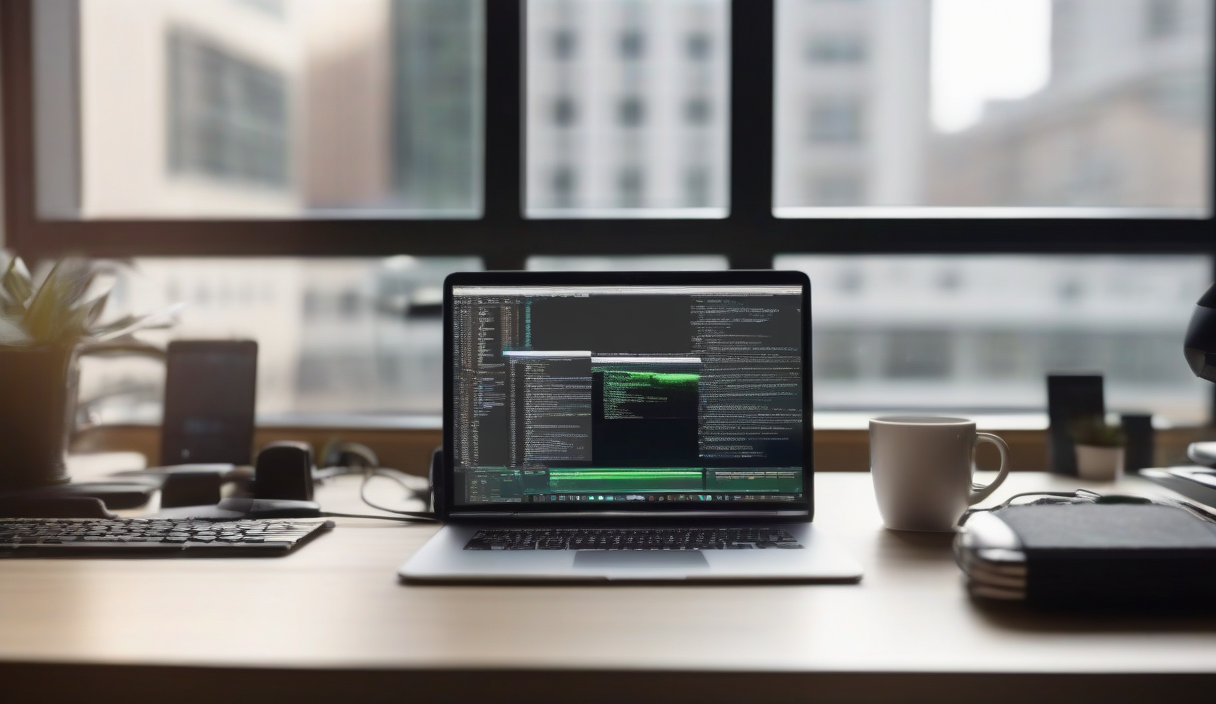
You're not slow. Your tooling is. The average developer spends 30% of their day fighting configuration, context-switching, and repetitive boilerplate — not writing code. In 2026, the gap between developers who ship and those who stall isn't talent. It's workflow.
The AI Layer: Coding Assistants That Actually Understand Context
GitHub Copilot and Cursor have moved beyond autocomplete. They now reason across files, refactor legacy patterns, and write tests that pass. But the real shift? Local-first models like CodeLlama and StarCoder running via Ollama. Zero latency. Zero data leaving your machine. Pair them with Continue.dev in VS Code for a privacy-first copilot that knows your entire codebase.
💡
TipUse .continue/config.json to define project-specific rules: linting standards, test patterns, banned libraries. Your AI assistant becomes a senior dev who never forgets conventions.
Terminal Velocity: CLI Utilities That Compound
Modern CLIs replace entire GUI workflows. zoxide replaces cd with frecency-based navigation. fzf turns history, file search, and git logs into interactive fuzzy finders. ripgrep + fd make find and grep obsolete. Chain them: z project && rg "TODO" | fzf jumps to any TODO in seconds.
| Tool | Replaces | Key Feature |
|---|---|---|
| zoxide | cd | Learns your paths |
| fzf | history/search | Interactive filter |
| ripgrep | grep | Respects .gitignore |
| fd | find | Parallel, colored |
| atuin | history | Sync + encryption |
Task Runners: Stop Writing npm Scripts
Just and Taskfile.yml bring Makefile power with YAML readability. Define once, run anywhere. Cross-platform. Parallel execution. Dependency graphs. A single just test runs lint, type-check, unit, and e2e in the right order — with caching.
IDE Mastery: Shortcuts > Plugins
Most developers install 50 extensions but use 3 shortcuts. Master these VS Code bindings and you'll outpace plugin hoarders: Ctrl+Shift+L (multi-cursor select all), F2 (rename symbol), Ctrl+. (quick fix), Alt+Click (column select). Bind Ctrl+Shift+P → "Open Keyboard Shortcuts" → search "workbench.action.terminal.toggleTerminal" to Ctrl+`. Muscle memory compounds.
"Your tools should disappear. The best workflow is the one you don't notice.
— TJ Holowaychuk
Automation Scripts: The 15-Minute Rule
If you do it twice, script it. If it takes >15 minutes to automate, you're over-engineering. Start with a scripts/ folder in every repo. scripts/db-reset.sh, scripts/seed-staging.js, scripts/release.js. Make them executable. Add to PATH via export PATH="$PATH:$(pwd)/scripts" in .envrc (direnv). Now db-reset works anywhere in the project.
⚠️
WarningDon't automate chaos. Fix the process first. A script that deploys broken code faster is a liability.
Free Online Tools That Save Hours
No install required. Regex101 for pattern debugging. JSON Crack for visualizing nested API responses. Excalidraw for architecture sketches that live in your repo as .excalidraw files. Carbon for shareable code screenshots. HTTPie Web for API testing without Postman bloat. Bookmark them. Use daily.
✦
Productivity isn't more tools. It's fewer decisions. Pick one layer this week: AI, CLI, tasks, or shortcuts. Go deep. Measure the friction you remove. Next week, pick another. In 90 days, you won't recognize your old workflow.