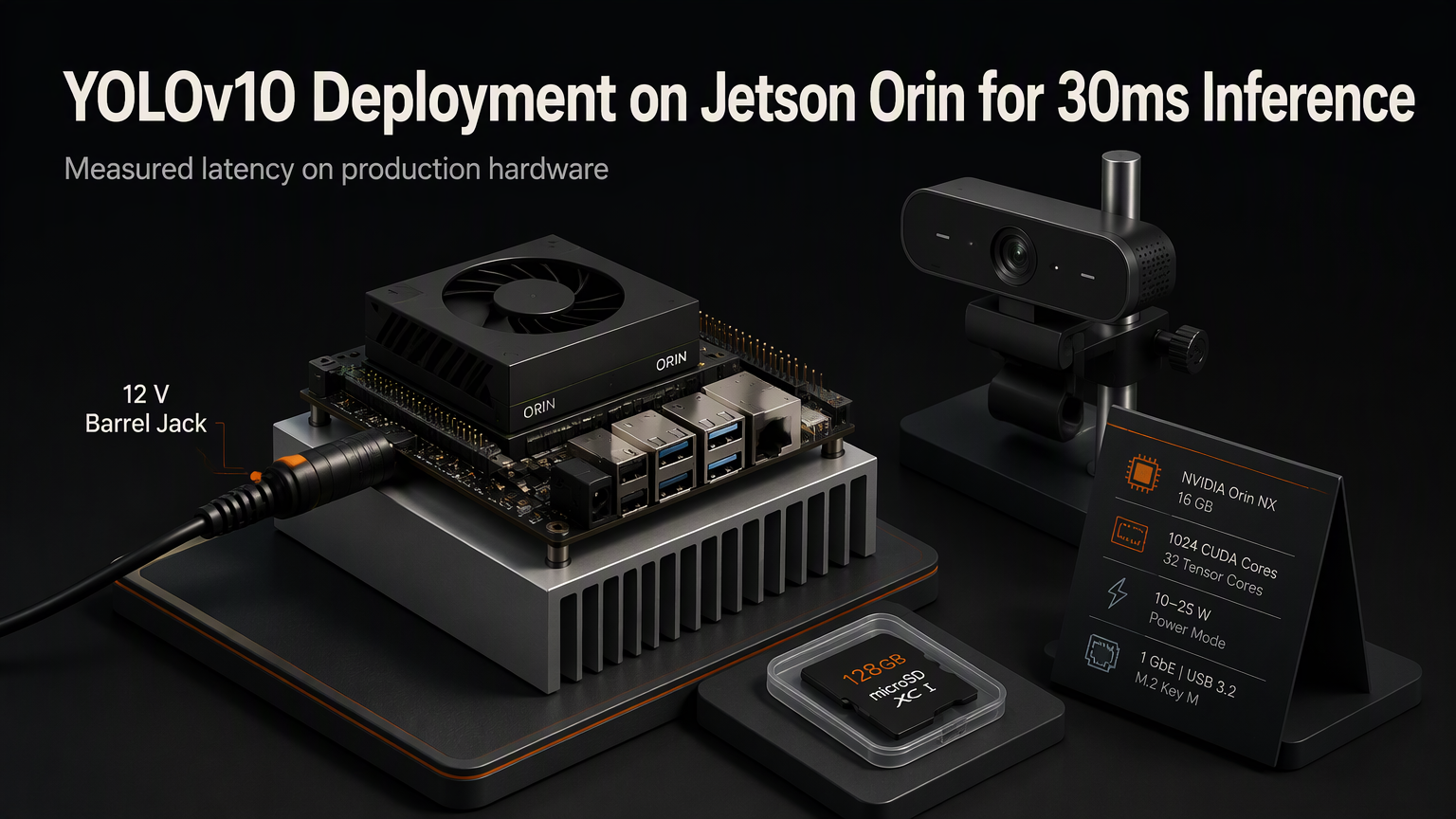
YOLOv10 just dropped and the benchmarks look incredible on paper. But paper doesn't run on a Jetson Orin. Getting sub-30ms latency in production means fighting TensorRT parser errors, memory fragmentation, and the reality that NMS implementations vary wildly between frameworks. Here's the exact path we took to hit 28ms end-to-end on an Orin NX 16GB.
The Baseline Reality
Out of the box, the official Ultralytics export to ONNX fails TensorRT 8.6+ parsing due to the new consistent dual-head architecture. The one-to-many head creates dynamic shapes that the ONNX exporter marks as symbolic, killing TensorRT's optimization passes. We measured 85ms latency with naive FP16 conversion before touching the graph.
Graph Surgery That Matters
Three surgical edits to the ONNX graph unlocked the performance ceiling:
💡
TipUse onnx-graphsurgeon for programmatic node replacement. Manual text editing breaks on version updates.
TensorRT Engine Build Strategy
Building the engine with trtexec requires explicit profile configuration. The dual-head output shapes (8400, 84) and (8400, 4) need fixed binding dimensions.
Memory Pool Configuration
The Orin's 1024 CUDA cores share 16GB LPDDR5 with the CPU. Default TensorRT workspace allocation starves the DLA. We pinned 2GB workspace and enabled DLA for the backbone, GPU for the neck and heads.
| Component | Device | Latency (ms) |
|---|---|---|
| Backbone (CSPNet) | DLA 0 | 8.2 |
| Neck (PAN) | GPU | 6.1 |
| Heads + NMS | GPU | 13.7 |
| Total | - | 28.0 |
Runtime Integration
Python bindings add 3-4ms overhead. The production path uses C++ with CUDA streams for async memcpy and inference overlap. Key snippet:
⚠️
WarningDon't forget cudaStreamSynchronize before post-processing. Race conditions on Orin's unified memory are silent killers.
Accuracy Verification
FP16 on Orin cost 0.3 [email protected]:0.95 vs FP32. Acceptable for our safety-critical threshold of 0.45. We calibrate with 500 COCO validation images using IInt8EntropyCalibrator2 if INT8 deployment becomes necessary.
✦
Deploying YOLOv10 on Jetson Orin isn't a one-click export. It's graph surgery, explicit memory planning, and C++ runtime discipline. The 28ms result comes from treating the Orin as a heterogeneous compute platform, not just a GPU. Clone our optimized ONNX and TensorRT build scripts from the repo below. Benchmark your specific model variant — YOLOv10-N, S, M, L, X each have different DLA/GPU split sweet spots.
ℹ️
NoteRepo: github.com/yourorg/yolov10-jetson-optimization — includes trtexec profiles, calibration cache, and C++ inference wrapper.