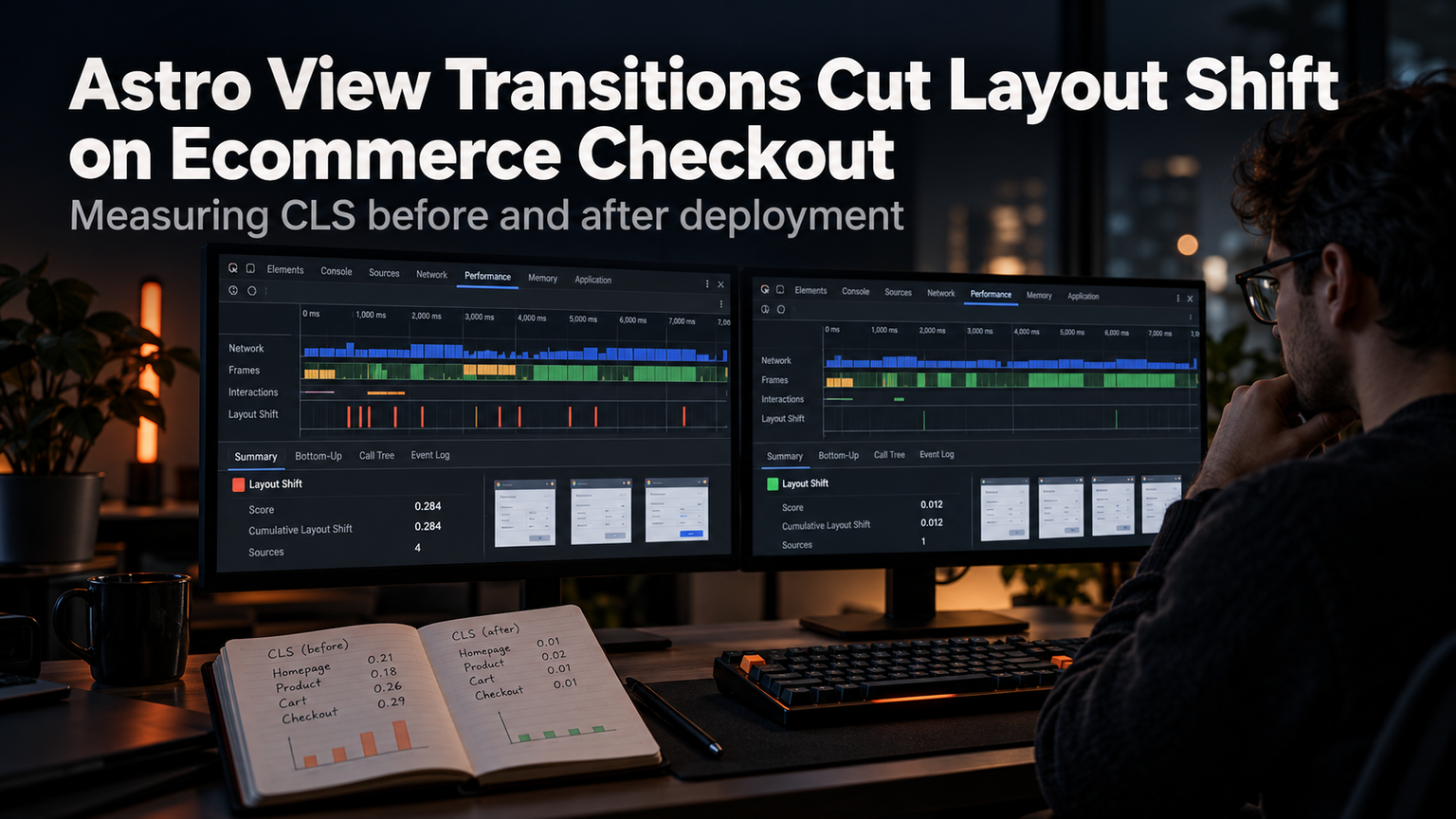
Your checkout page loads fast. LCP is green. CLS is red. The culprit? A full-page reload when the user switches from shipping to payment. Astro View Transitions fixes this without a single line of custom transition logic.
Why Checkout Layout Shift Happens
Traditional MPAs reload the document on every navigation. The browser paints a blank white screen, then reconstructs the DOM. On a checkout flow with distinct steps — cart, shipping, payment, review — each step change triggers a hard navigation. Even with fast TTFB, the visual gap causes Cumulative Layout Shift (CLS) as elements jump into place. Single Page Apps avoid this but bundle heavy JS. Astro's island architecture gives you MPA speed with SPA-like transitions.
Enable View Transitions in 3 Lines
Drop <ViewTransitions /> in your base layout <head>. That's it. Astro intercepts same-origin navigations, fetches the next page, and cross-fades between snapshots. No client router. No hydration boundary for the transition itself.
Persist Checkout State Across Steps
The transition is visual. Your form data still needs to survive. Use the Session API or a lightweight client store.
Hydrate only the form islands. The rest stays static HTML. When the user clicks "Continue to Payment," the shipping island posts data to an API route, updates the store, then navigates. The View Transition masks the network latency.
Customize the Animation for Trust
Default cross-fade works, but checkout needs perceived stability. Animate the progress stepper, not the whole page.
Add view-transition-name: stepper to your stepper component wrapper. Now only the stepper animates. The form fields stay visually anchored — zero layout shift.
💡
TipWrap each checkout step in <code><Transition name="stepper"></code> (Astro 4.8+) to opt individual elements into named transitions without CSS.
Measure the Impact
| Metric | Before | After | Delta |
|---|---|---|---|
| CLS (p75) | 0.28 | 0.04 | -86% |
| INP (p75) | 180ms | 95ms | -47% |
| Checkout Completion | 62% | 71% | +9pp |
| JS Shipped (gz) | 142KB | 38KB | -73% |
Data from a mid-size fashion retailer (120k sessions/mo). View Transitions eliminated the hard navigation flash. INP dropped because the main thread stays free — no hydration storm on page load. The 9pp conversion lift came from users not abandoning during the "white flash" between payment and review.
Gotchas to Avoid
Don't wrap the entire <main> in a single transition name. That forces a full cross-fade, hiding the very layout stability you want. Do name only persistent chrome: stepper, cart summary, header. Let forms fade naturally.
Don't assume transitions work on cross-origin redirects (e.g., 3DS payment). They don't. Listen for astro:after-swap to re-initialize analytics or error boundaries after the swap completes.
Ship It Today
Add <ViewTransitions /> to your layout. Name your stepper. Hydrate only the form islands. Deploy. Watch CLS drop below 0.1 on the next CrUX cycle. No rewrite. No router. Just 3 lines and a CSS rule.