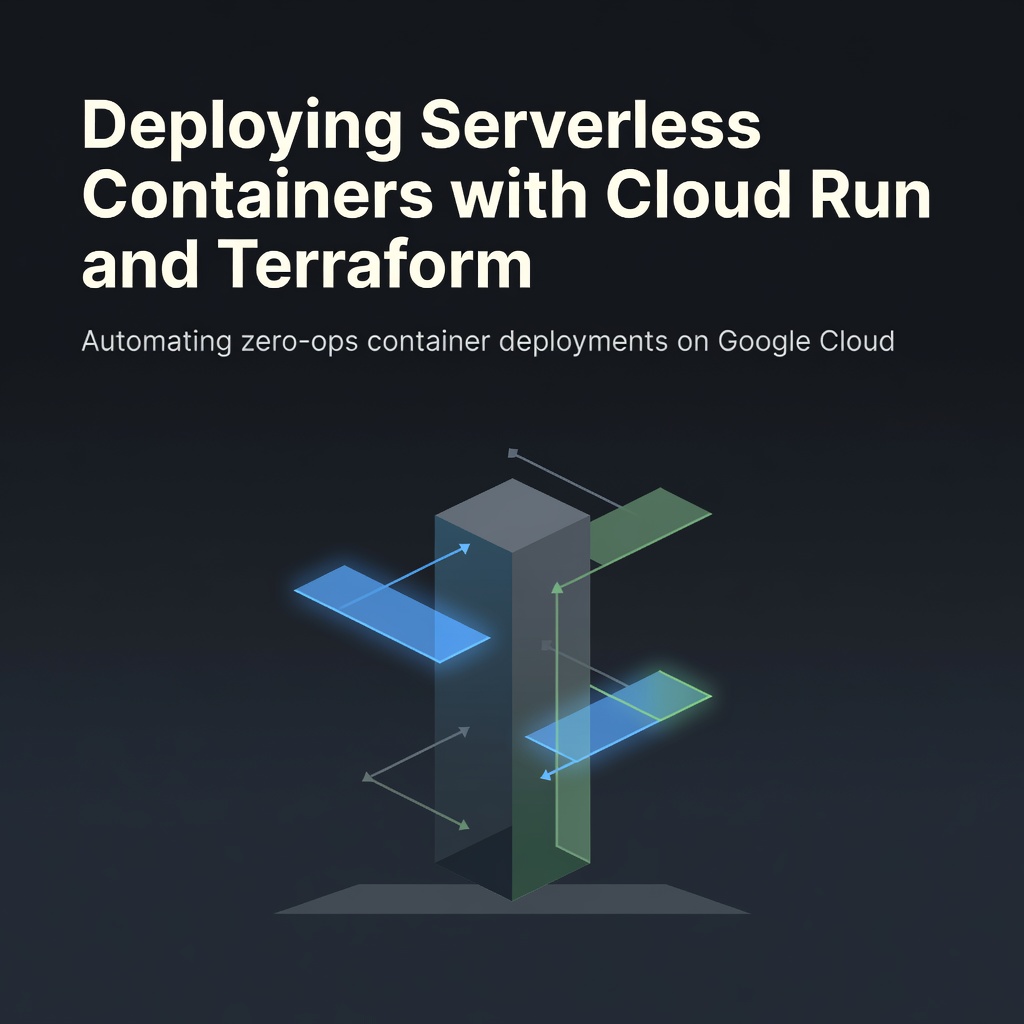
You push code. Google runs it. No clusters to patch, no nodes to size, no 3 AM pages because a node pool drained. That is the promise of Cloud Run, and Terraform makes it repeatable.
Why Serverless Containers Change the Game
Traditional Kubernetes gives you control. It also gives you etcd upgrades, CNI debugging, and autoscaler tuning. Cloud Run abstracts the control plane entirely. You hand it a container image; it serves HTTPS requests and scales to zero when traffic stops. You pay only for vCPU and memory while requests execute.
💡
TipCloud Run supports any language, any binary, any framework that listens on $PORT. No buildpacks required.
Prerequisites
Install the Google Cloud CLI, authenticate with gcloud auth application-default login, and enable the Run, Artifact Registry, and Cloud Build APIs. Terraform 1.6+ and the hashicorp/google provider 5.0+ are required.
Artifact Registry First
Store images in a regional Docker repository. It integrates with Cloud Build and Cloud Run natively, and IAM controls are granular.
Build and Push with Cloud Build
Use a cloudbuild.yaml triggered by your VCS. The build step tags the image with the commit SHA for immutable deployments.
Define the Cloud Run Service
The google_cloud_run_v2_service resource replaces the v1 beta. It supports traffic splitting, secrets, VPC connectors, and revision-level rollback.
ℹ️
NoteSet <code>min_instance_count > 0</code> only if cold starts hurt latency-sensitive paths. Otherwise, keep it at zero to maximize cost savings.
IAM and Public Access
Grant roles/run.invoker to allUsers for public endpoints. For internal services, restrict to specific service accounts or use IAP.
Observability Built In
Cloud Run emits request logs, metrics, and traces to Cloud Logging and Cloud Monitoring automatically. Enable cloud_trace_auto_sampling in the container env to get distributed traces without code changes.
✦
Deploy Today
Run terraform init && terraform apply. Push a commit. Watch Cloud Build promote a new revision. Traffic shifts instantly. Roll back with one click in the console or terraform apply -replace. You now own a production-grade serverless pipeline with zero cluster ops.
⚠️
WarningPin the provider version. Google provider upgrades often rename Cloud Run v2 attributes, breaking plans.