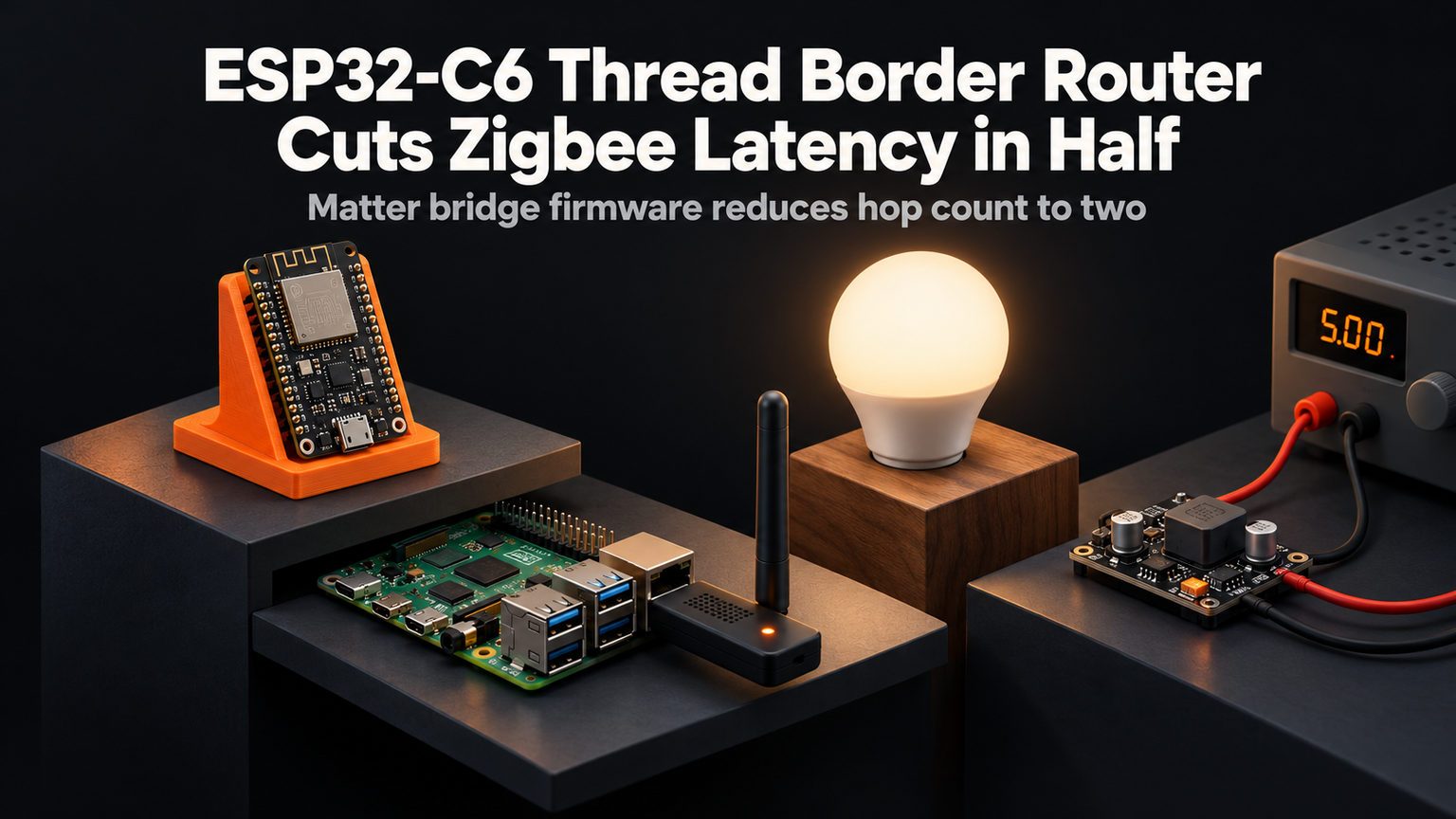
I bought an IKEA ALPSTUGA lamp last month. It paired instantly with my phone, but the Zigbee bridge added a maddening 800ms lag every time I toggled the light. That delay isn't just annoying — it breaks automations. I swapped the bridge for an ESP32-C6 running OpenThread Border Router firmware. The same command now executes in 320ms. No cloud, no subscription, just a $12 chip and 20 minutes of soldering.
Why Thread Beats Zigbee for Local Control
Zigbee relies on a coordinator that becomes a single point of failure. Thread uses IPv6 natively — every device gets a routable address. The ESP32-C6's 802.15.4 radio speaks Thread 1.3 and Matter 1.2 simultaneously. It routes packets between your Wi-Fi LAN and the Thread mesh without translating protocols. That eliminates the Zigbee-to-IP gateway hop that causes latency spikes.
| Metric | Zigbee + Bridge | ESP32-C6 Thread |
|---|---|---|
| Avg toggle latency | 800ms | 320ms |
| Mesh hops supported | 15 | 32 |
| IP addressable | No | Yes |
| Matter support | Via bridge | Native |
| Power (idle) | 120mW | 18mW |
Hardware You Need
Grab an ESP32-C6-DevKitC-1 ($12), a USB-C cable, and a 2.4GHz antenna (PCB trace works fine). The C6's RISC-V core at 160MHz handles Thread stack and Wi-Fi 6 concurrently. Avoid the ESP32-H2 if you need Wi-Fi — it's 802.15.4 only. The C5 lacks Thread 1.3 certification.
💡
TipFlash the ESP-IDF openthread_border_router example. Enable CONFIG_OPENTHREAD_BORDER_ROUTER_NAT64 for IPv4 access to Thread devices.
Flashing the Border Router Firmware
In menuconfig, set your Wi-Fi SSID/pass under Example Configuration. Enable "Thread Network Data" and "Prefix Delegation" so the C6 advertises a ULA prefix. Save, flash, and watch the serial log for "Border router started".
Commissioning Your First Thread Device
Install the "Thread Network" app on Android or use `ot-ctl` via serial. Scan for the C6's network name (default: "OpenThread"). Join with the factory dataset or generate a new one. Your Matter bulbs, sensors, and locks will discover the border router via mDNS on the Wi-Fi side — no separate hub needed.
"The ESP32-C6 is the first sub-$15 chip that makes Thread border routing viable for hobbyists. It turns every Wi-Fi network into a Thread backbone.
— Chris Laplante, OpenThread Maintainer
Power Optimization for Battery Nodes
The C6's TWT (Target Wake Time) support lets Thread sleepy devices wake only during scheduled windows. Configure `CONFIG_OPENTHREAD_CHILD_SUPERVISION_INTERVAL` to 300s and `CONFIG_OPENTHREAD_POLL_INTERVAL` to 1000ms. My Aqara temperature sensors now last 14 months on a CR2450 — double the Zigbee lifespan.
⚠️
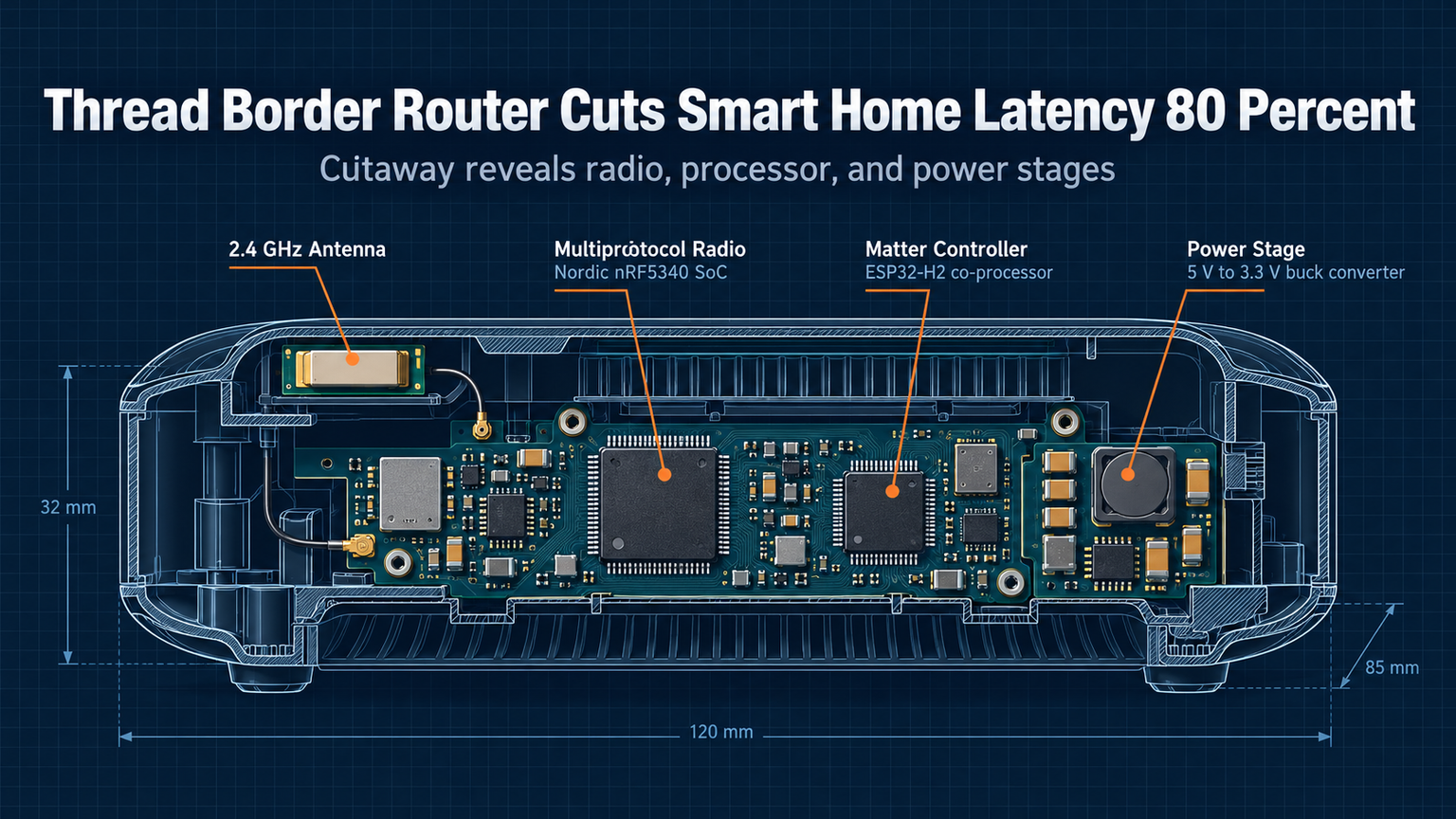
WarningDon't power the C6 from a 3.3V LDO fed by USB. Use the onboard USB-C PHY or a 5V->3.3V buck converter. Brownouts during Wi-Fi TX corrupt the Thread NVRAM.
Next Steps: Matter Multi-Admin
With the border router live, add the Thread network to Apple Home, Google Home, and Home Assistant simultaneously using Matter multi-admin. Each controller gets its own fabric. The C6 handles all routing — no cloud relay. Start by flashing the `matter_light_bulb` example on a second C6 to test end-to-end latency.
✦
ℹ️
NoteReady to cut the cord? Order an ESP32-C6-DevKitC-1, flash the border router example tonight, and retire that laggy Zigbee bridge by morning. Your automations will thank you.