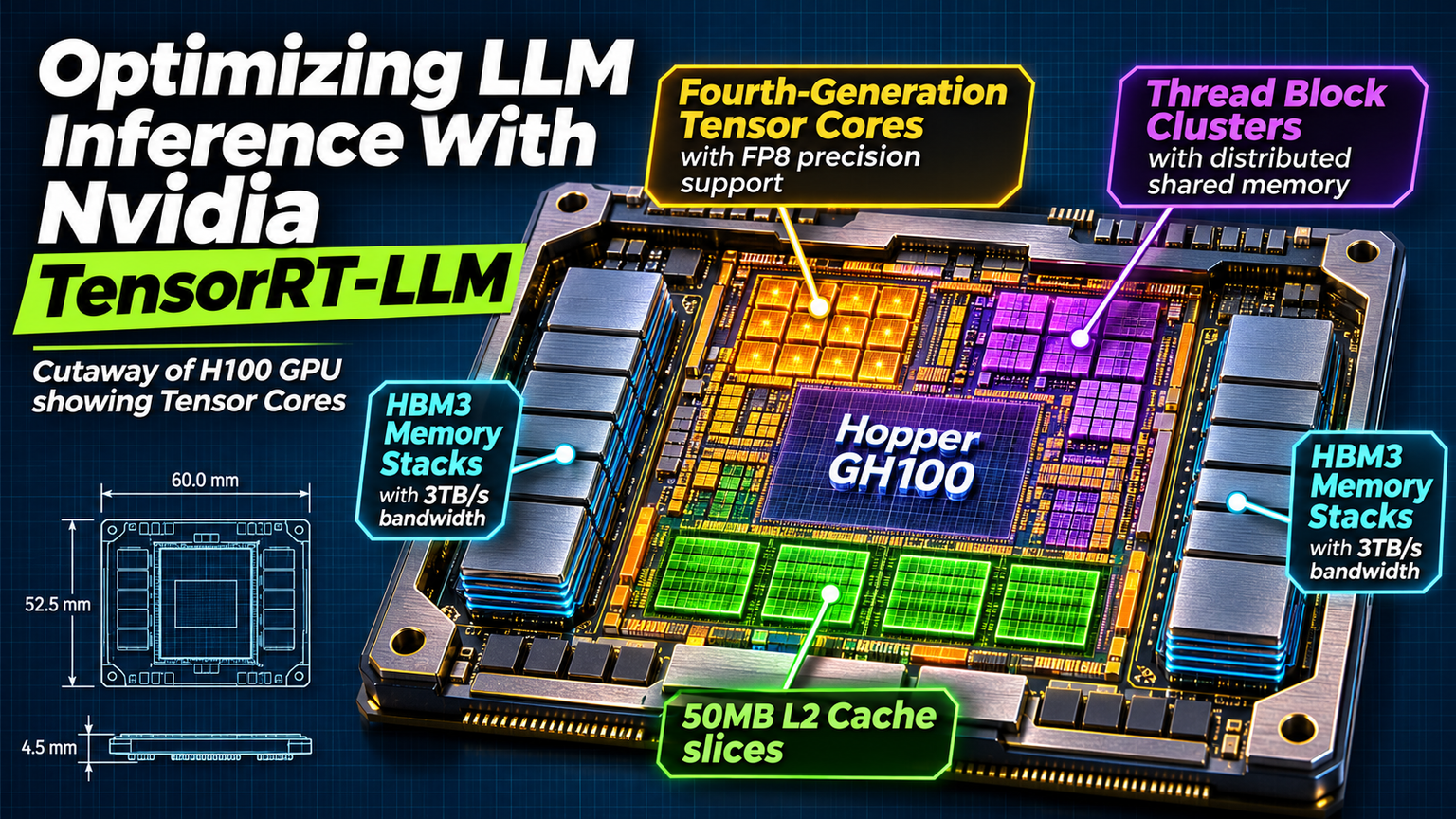
Your LLM inference costs are bleeding money while latency kills user experience. Nvidia TensorRT-LLM stops the bleeding by compiling models into optimized engines that squeeze every cycle from your GPU. This isn't incremental improvement—it’s the difference between serving 50 requests per second and 500 on the same hardware.
Why Standard Inference Fails at Scale
PyTorch eager mode and generic ONNX Runtime paths leave massive performance on the table. They execute ops individually, miss kernel fusion opportunities, and ignore hardware-specific tensor core layouts. Each transformer layer becomes a memory-bound kernel launch instead of a compute-bound fused operation. The result: GPU utilization hovers at 30-40% while memory bandwidth starves.
TensorRT-LLM Architecture Overview
TensorRT-LLM treats the entire model as a single compilation unit. It parses the model graph, applies aggressive optimizations, and emits a serialized engine file. Key stages include graph rewriting for operator fusion, precision calibration for quantization, kernel auto-tuning for target GPU architecture, and runtime scheduling for continuous batching.
Quantization: INT4 and FP8 Without Quality Loss
Post-training quantization (PTQ) with AWQ or SmoothQuant reduces model size by 4x with <1% perplexity degradation. TensorRT-LLM supports INT4 weight-only quantization and native FP8 on Hopper GPUs. The calibration step uses a small representative dataset to compute per-channel scaling factors, preserving activation dynamics.
💡
TipUse AWQ for INT4 on Ampere/Ada. Switch to FP8 on H100 for 2x throughput over FP16 with zero calibration data required.
KV Cache Management and PagedAttention
Standard KV cache allocation reserves contiguous memory per sequence, causing fragmentation and OOM at high concurrency. TensorRT-LLM implements PagedAttention: KV blocks are allocated on-demand in fixed-size pages, shared across beams and sequences. This enables continuous batching—new requests join the batch as slots free up without padding or recomputation.
| Metric | FP16 Baseline | INT4 AWQ | FP8 (H100) |
|---|---|---|---|
| Throughput (tok/s) | 1,200 | 3,800 | 4,500 |
| Latency P99 (ms) | 240 | 95 | 78 |
| GPU Memory (GB) | 28 | 9 | 14 |
| Quality (MT-Bench) | 7.12 | 7.05 | 7.10 |
Multi-GPU Scaling with Tensor Parallelism
TensorRT-LLM splits weight matrices along the hidden dimension across GPUs. Each GPU holds a shard; all-reduce operations synchronize only at layer boundaries. The runtime overlaps communication with computation using CUDA graphs, achieving near-linear scaling up to 8 GPUs on NVLink. Pipeline parallelism is supported for models exceeding single-node memory.
"The engine file is a deployment artifact—version it, sign it, and ship it like a binary. No Python dependencies at runtime.
— Nvidia TensorRT Team
Production Deployment Checklist
1. Profile with `trtllm-bench` to baseline latency and throughput. 2. Calibrate quantization on 512 sequences from production traffic. 3. Set `max_num_seqs` and `max_batch_size` to match your SLA. 4. Enable CUDA graph capture for fixed-shape workloads. 5. Monitor `gpu_utilization`, `dram_throughput`, and `kv_cache_usage` via DCGM. 6. A/B test engine versions before full rollout.
⚠️
WarningDo not mix TensorRT-LLM engines across GPU architectures. An engine built on A100 will not run on H100. Rebuild per target SKU.
Next Steps
Clone the TensorRT-LLM repo, run the Llama-2-7B quickstart, then swap in your fine-tuned checkpoint. Measure. Quantize. Re-measure. Deploy the engine to Triton Inference Server with the TensorRT-LLM backend for production-grade model serving. Your GPU budget will thank you.
✦