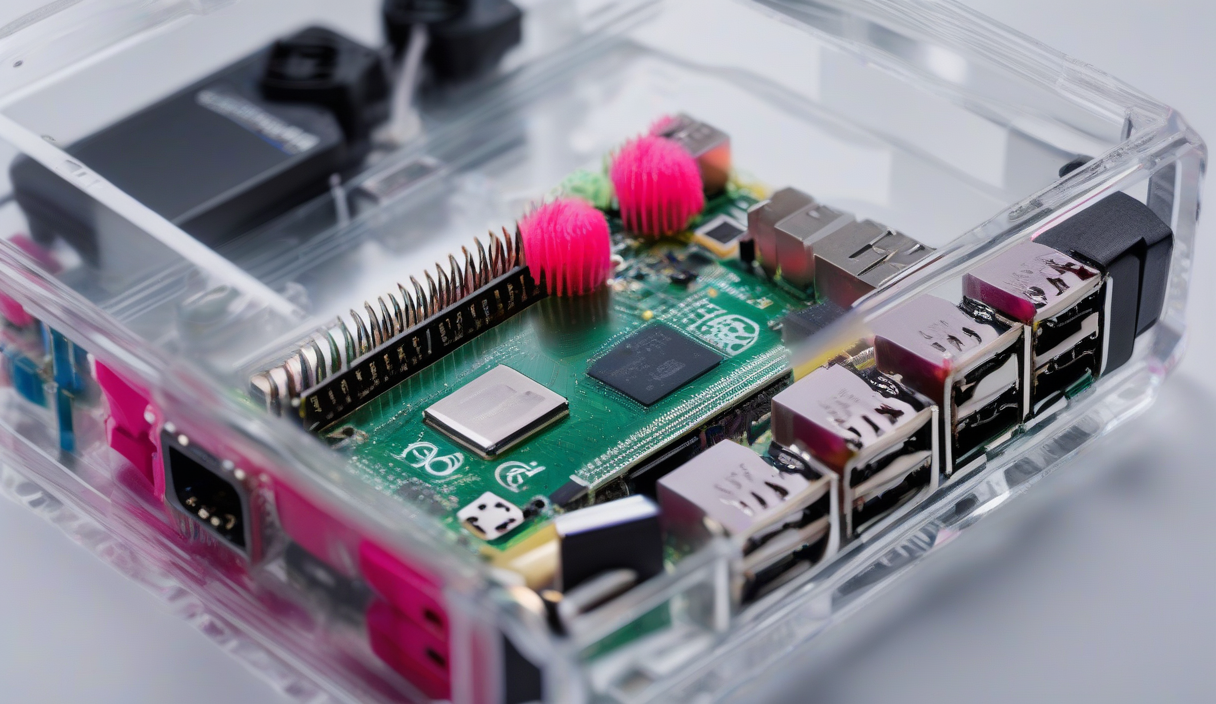
Imagine walking into a house that anticipates your needs—lights dim as you settle in, the thermostat nudges itself to the perfect temperature, and every device obeys a simple voice command. That’s not a sci‑fi fantasy; it’s the everyday reality of smart home automation, and it’s reshaping how we live, save energy, and stay connected.
Why Smart Home Automation Matters
Beyond the wow factor, automation delivers tangible benefits. Integrated IoT sensors monitor occupancy, adjusting lighting and HVAC only when rooms are in use, which translates into measurable energy savings. Voice control platforms like Alexa, Google Assistant, and Siri turn complex routines into a single spoken phrase, freeing you from juggling multiple apps.
ℹ️
NoteA well‑designed system can cut household electricity use by 10‑30%, according to the U.S. Department of Energy.
Key Components of an Efficient Setup
1. Central Hub – The brain that links devices, whether it’s a dedicated hub or a cloud‑based service. 2. Smart Sensors – Motion, door/window, temperature, and humidity sensors provide the data needed for context‑aware actions. 3. Actuators – Smart plugs, dimmable bulbs, motorized curtains, and thermostats that execute commands. 4. Voice Interface – Microphone‑enabled speakers or displays that translate speech to actions.
"Automation is the silent partner that makes your home work for you, not the other way around.
— Tech Analyst, SmartLiving Labs
Step‑by‑Step Blueprint
Step 1: Audit Your Needs – List daily pain points (e.g., forgetting to turn off lights). Prioritize tasks that yield the biggest energy or convenience gains.
Step 2: Choose a Compatible Ecosystem – Stick to one major platform (Amazon, Google, Apple) to avoid fragmentation. Look for devices labeled “Works with Alexa/Google Home/HomeKit.”
Step 3: Start Small – Replace a single light switch with a smart dimmer and pair it with a motion sensor. Test automation rules before scaling.
Step 4: Build Routines – Use the hub’s app to create scenes like “Good Morning” (lights on, blinds up, coffee brewed) or “Away Mode” (all lights off, thermostat set to eco).
Step 5: Monitor and Optimize – Review energy reports weekly. Adjust thresholds or add sensors to fine‑tune performance.
✦
Security & Privacy Tips
Keep firmware updated, use strong, unique passwords for each device, and enable two‑factor authentication on your hub’s account. Segment IoT devices on a separate Wi‑Fi network to limit exposure.
⚠️
WarningNever expose default credentials; many breaches start with unchanged admin passwords.
Future‑Proofing Your Home
Look for products that support Matter, the emerging universal standard that promises cross‑brand compatibility. As more appliances gain native connectivity, a modular approach ensures you can add new devices without rebuilding the entire system.
"The best smart home feels invisible – you only notice it when it works flawlessly.
— Design Engineer, HomeTech Innovations
Actionable Takeaway
Pick one room, install a smart plug, a motion sensor, and a voice‑controlled light strip. Create a “Leave Home” routine that shuts everything down with a single command. Track the energy drop for a week; you’ll see the impact and gain confidence to expand.
💡
TipSet a monthly reminder to review automation logs – a small habit that keeps your system efficient and secure.