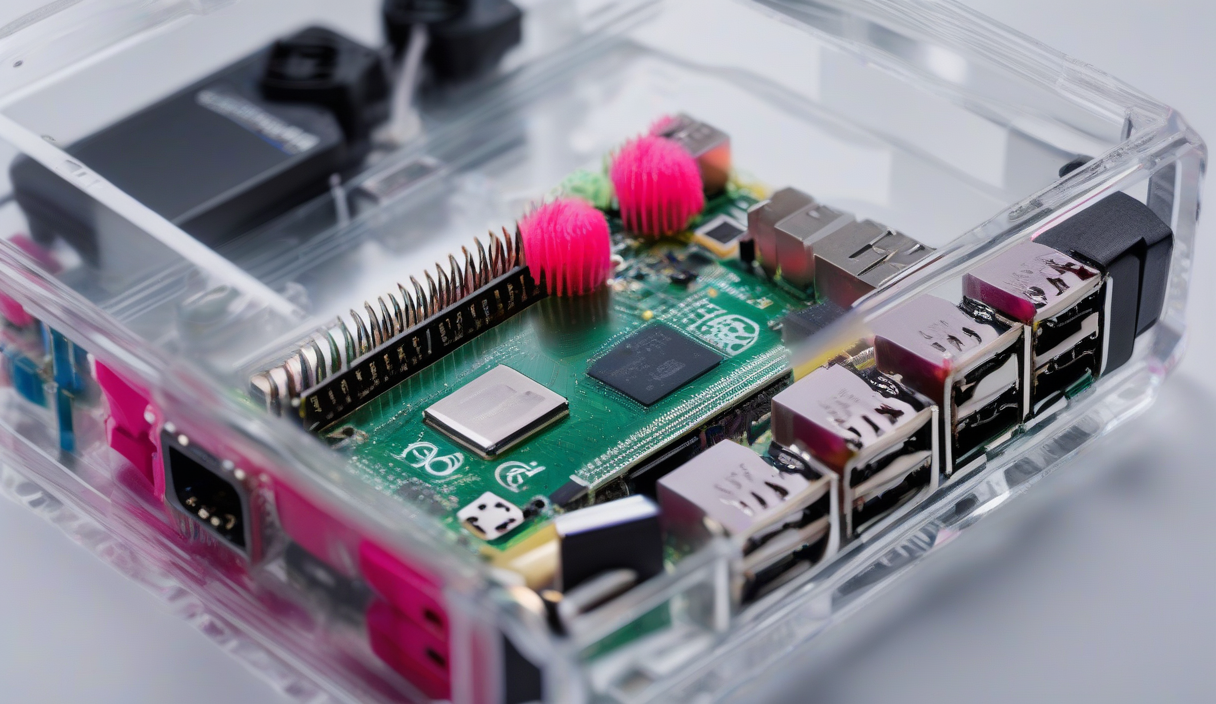
You started with a single Raspberry Pi running Pi-hole. Then came Home Assistant. Then a media server. Now your desk looks like a cable octopus and you’re out of USB ports. The logical next step isn’t buying a used enterprise rack—it’s clustering the boards you already trust.
Why Cluster in 2026?
Raspberry Pi prices spiked three times in eight months—December 2025, February 2026, April 2026—driven by supply-chain ripple effects, not board revisions. A Pi 5 8GB now lists at $120. Four of them plus networking gear still undercuts a single decent x86 mini PC, and you get 16 ARM cores, 32 GB RAM, and native GPIO for hardware experiments.
"The real limit is how many services you're willing to troubleshoot at 11pm.
— Homelab veteran, r/homelab
Hardware Checklist
| Component | Spec | Qty | Approx. Cost |
|---|---|---|---|
| Raspberry Pi 5 | 8 GB RAM | 4 | $480 |
| PoE+ HAT | IEEE 802.3at | 4 | $80 |
| Managed Switch | 8-port 2.5 GbE PoE+ | 1 | $130 |
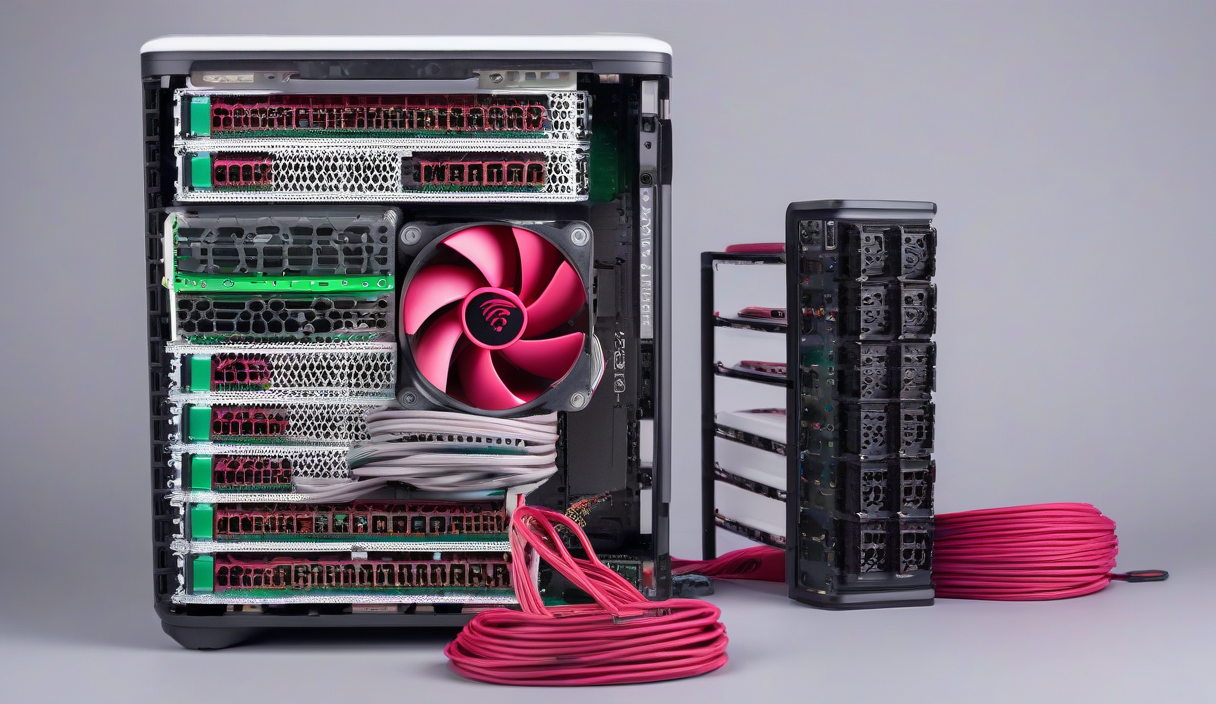
| Cluster Case | Stackable, active cooling | 1 | $90 |
| NVMe HATs | M.2 2280 PCIe 2.0 | 4 | $120 |
| SSDs | 500 GB TLC | 4 | $160 |
| Cabling | Cat6a, 0.5 m | 8 | $25 |
💡
TipSkip the PoE+ HATs if you already have a quality 5 V/5 A USB-C PD brick per node; you’ll save $80 but add cable bulk.
Assembly Workflow
1. Flash Raspberry Pi OS Lite (64-bit) to each NVMe via rpi-imager --cli. 2. Enable SSH, set static IPs (10.10.10.11–14), and configure bootloader_order=0xf416 for NVMe-first boot. 3. Stack nodes in the case, connect to the switch, power on. 4. Run ssh-keyscan into ~/.ssh/known_hosts from your admin machine.
Workloads That Shine
Kubernetes on ARM is production-ready. Deploy Longhorn for replicated block storage, then run: PostgreSQL with Patroni for HA, MinIO for S3-compatible object storage, and a GPU-less LLM inference stack (llama.cpp + kubellm) that serves 7B models at 8 tok/s across the cluster. Add Prometheus + Grafana + Loki for full observability—all under 15 W idle.
⚠️
WarningThermal throttling kicks in at 80°C. The tested 2026 cluster kits with 40 mm PWM fans keep sustained loads at 58°C; cheap passive cases hit 82°C in 12 minutes.
Day-2 Operations
Automate OS updates with unattended-upgrades and k3s upgrades via systemd timers. Back up etcd nightly to the MinIO bucket. Use kubectl-neat to strip cluster-specific metadata from manifests before committing to GitOps repo. When a node fails, kubectl drain --ignore-daemonsets --delete-emptydir-data, swap the board, re-run the bootstrap script, and labels re-apply automatically.
✦
Your Weekend Project Plan
Saturday morning: order hardware. Saturday afternoon: flash NVMe drives in parallel. Sunday morning: stack, cable, power on. Sunday afternoon: deploy k3s, Longhorn, and your first real workload. Monday 8 AM: your home lab runs HA PostgreSQL, S3 storage, and an LLM endpoint—all on hardware you can hold in one hand.
ℹ️
NoteStart with two nodes. Validate your GitOps pipeline. Add the third and fourth only after you’ve survived a real failure scenario.