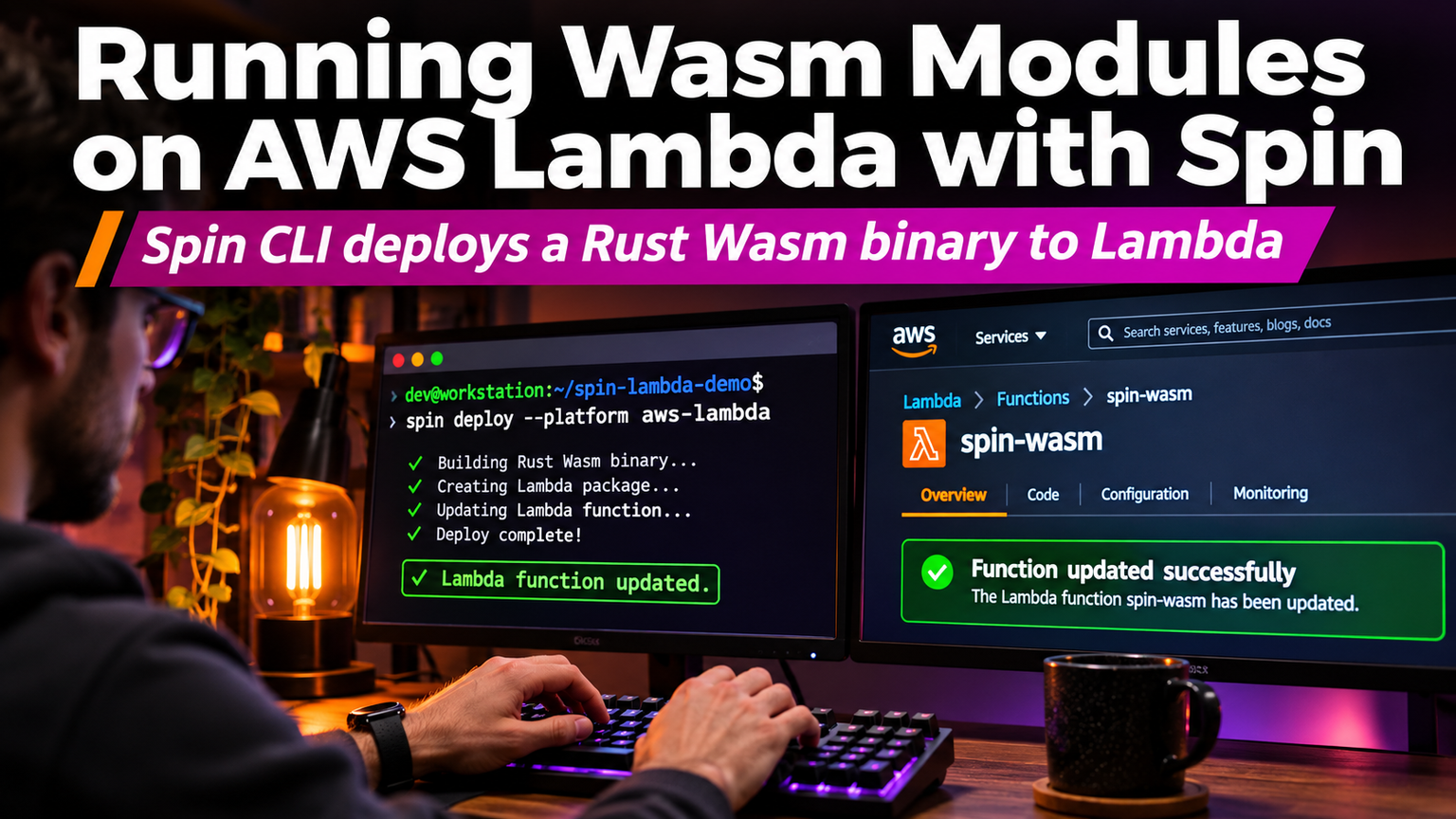
Your Lambda cold starts are measured in milliseconds. Your container startup is measured in seconds. That gap is where WebAssembly wins, and Spin makes it dead simple to run Wasm modules on AWS Lambda without managing a custom runtime or wrestling with the provided.al2 image.
Why Wasm on Lambda Changes the Economics
Traditional Lambda functions initialize a full microVM. Even with SnapStart for Java or provisioned concurrency, you pay for memory allocated during init. A Wasm module spins up in microseconds. Spin compiles your Rust, Go, or TypeScript code to a `.wasm` component that executes inside the Wasmtime runtime, which Fermyon and AWS optimized for Lambda's Firecracker microVMs. The result: sub-millisecond cold starts at 128 MB memory, slashing both latency and cost.
Bootstrap a Spin App for Lambda
Install the Spin CLI and the AWS plugin. The plugin handles the heavy lifting: it packages the Wasm module, the Spin manifest, and a tiny bootstrap binary into a Lambda-compatible ZIP.
💡
TipUse `spin build --up` to test locally against the same Wasmtime runtime Lambda uses. No Docker required.
The Runtime Adapter Pattern
Lambda expects a handler with the signature `fn(event, context) -> Result
Cold Start Benchmarks: Container vs Wasm
| Runtime | Memory | Cold Start (p50) | Cold Start (p99) | Init Duration Billed |
|---|---|---|---|---|
| Node.js 20 (container) | 256 MB | 245 ms | 1.2 s | Yes |
| Rust (provided.al2) | 128 MB | 85 ms | 310 ms | Yes |
| Spin Wasm (Rust) | 128 MB | 0.8 ms | 4 ms | No |
"WebAssembly on Lambda isn't just faster startup—it's a fundamentally different cost model. You pay for compute, not initialization.
— Michael Yuan, Wasm on Serverless Advocate
Handling State and Secrets
Wasm modules are ephemeral and stateless by design. For persistent state, bind to AWS services via the Spin SDK: `spin-sdk::key_value` for DynamoDB, `spin-sdk::sqlite` for a local SQLite database that persists across invocations in the same microVM, or `spin-sdk::redis` for ElastiCache. Secrets live in AWS Secrets Manager; the `spin aws deploy` command injects them as environment variables at deploy time, not build time.
⚠️
WarningDon't bundle secrets in the Wasm module. The `.wasm` file is readable by anyone with deployment access. Use the `spin_secrets` manifest section to reference ARNs.
Deploy Pipeline: Git Push to Live Endpoint
Wire this into GitHub Actions. The workflow builds the Wasm target, runs `spin aws deploy`, and updates the Lambda alias. Zero-downtime deploys are native because Lambda shifts traffic atomically.
✦
Your Next Step
Pick one high-latency Lambda function—maybe an API Gateway authorizer or a webhook validator. Rewrite it in Rust, compile to `wasm32-wasip1`, and deploy with `spin aws deploy`. Measure the p99 cold start before and after. You'll see the difference in the first 100 invocations. Then migrate the rest of your latency-sensitive paths. The runtime is stable, the tooling is mature, and the cost savings are immediate.