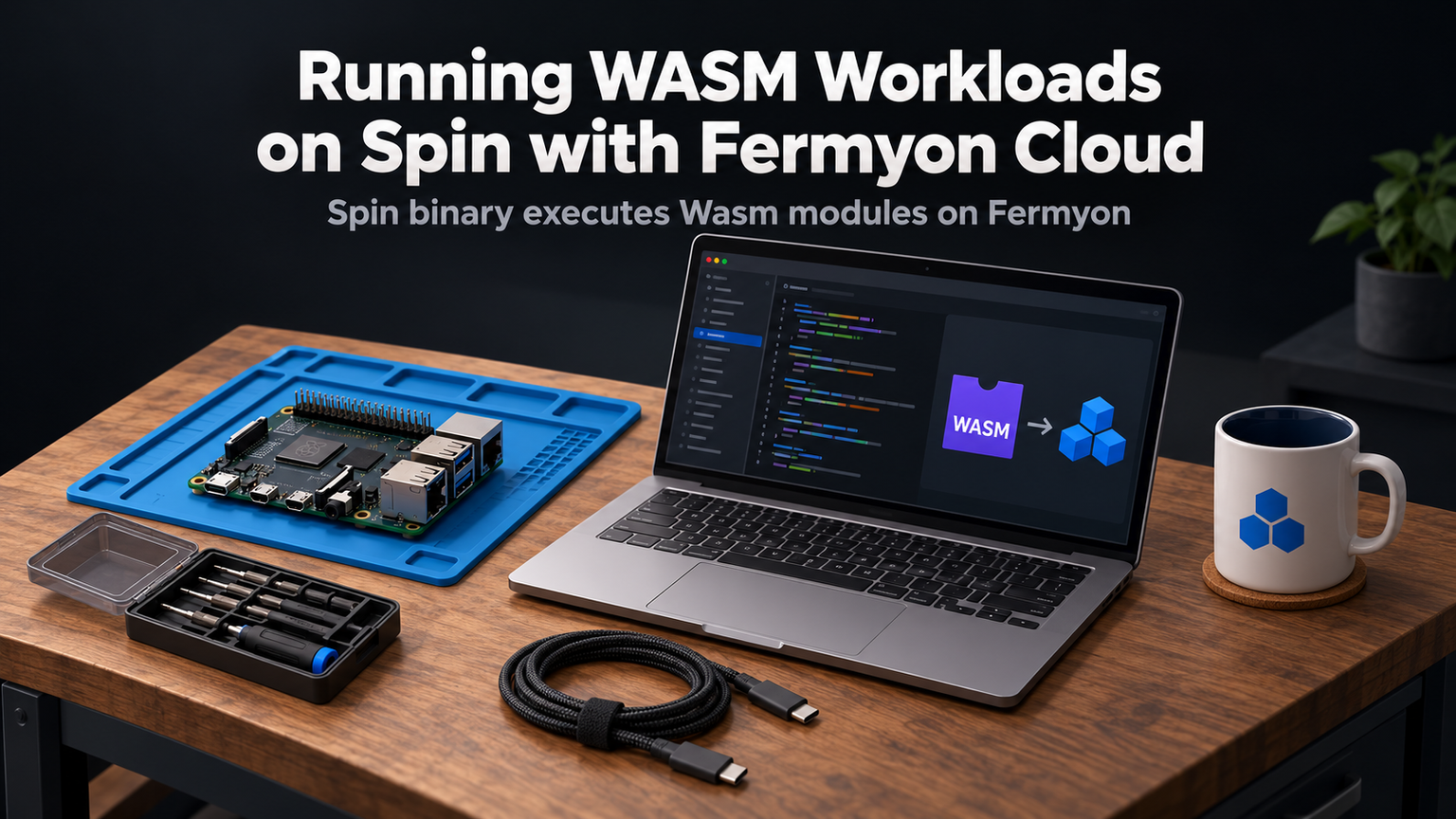
You push code. It runs in milliseconds. No containers to build. No Kubernetes manifests to debug. No cold starts that kill user experience. That's the promise of WebAssembly on the server, and Fermyon Cloud delivers it with Spin.
Why WASM Changes the Serverless Game
Traditional serverless platforms force you into container overhead. AWS Lambda spins up a microVM. Cloud Run provisions a container. Both add 100-500ms of cold-start latency. WebAssembly modules start in microseconds because they're sandboxed at the runtime level, not the OS level. Spin compiles your Rust, Go, Python, or JavaScript to a .wasm file under 2MB. Fermyon Cloud executes it on a shared Wasmtime runtime with zero container tax.
"WebAssembly gives you the isolation of containers with the density and startup speed of processes.
— Matt Butcher, Fermyon CEO
Your First Spin App in Three Commands
The spin new command scaffolds a complete project: Cargo.toml, spin.toml, and a handler that returns JSON. spin build compiles to WebAssembly using wasm32-wasi target. No Dockerfile. No docker build wait.
Deploy to Fermyon Cloud
spin login opens a browser for GitHub OAuth. spin deploy pushes the .wasm module to Fermyon's registry, provisions a route like my-api.fermyon.app, and returns a live HTTPS endpoint in under 10 seconds. Your function scales to zero when idle and handles bursts without configuration.
💡
TipSet <code>spin.toml</code> <code>concurrency = 100</code> to handle 100 simultaneous requests per instance. Fermyon Cloud spins up new instances automatically.
Real-World: Image Resize API
Here's a complete handler that resizes uploaded images using the image crate. Add image = { version = "0.24", features = ["jpeg", "png"] } to Cargo.toml.
Deploy it. POST a 5MB photo. Get a 300px thumbnail back in ~50ms. The binary stays under 3MB. Try that with a container.
When to Choose Spin Over Kubernetes
| Factor | Spin on Fermyon Cloud | Kubernetes (EKS/GKE) |
|---|---|---|
| Cold start | < 5ms | 1-30s |
| Binary size | 1-5 MB | 100 MB - 2 GB |
| Ops overhead | Zero | High |
| Scaling | Automatic to zero | HPA + cluster autoscaler |
| Local parity | Exact (spin up) | Approximate (kind/skaffold) |
⚠️
WarningWASI preview 1 limits networking to outbound HTTP. No raw TCP, no UDP, no inbound connections except via Spin's HTTP trigger. Check <code>wasi:sockets</code> preview 2 support if you need more.
Next Steps
- Install Spin:
curl -fsSL https://developer.fermyon.com/downloads/install.sh | bash - Run
spin templates listto see Go, Python, JavaScript, and TinyGo options. - Build a cron-triggered job:
spin new http-rust --trigger cron. - Explore the Key/Value and SQLite APIs in
spin_sdkfor stateful serverless.
✦
ℹ️
NoteFermyon Cloud free tier includes 1M requests/month, 100GB-s compute, and custom domains. No credit card required. Deploy your first WASM workload today at cloud.fermyon.com.